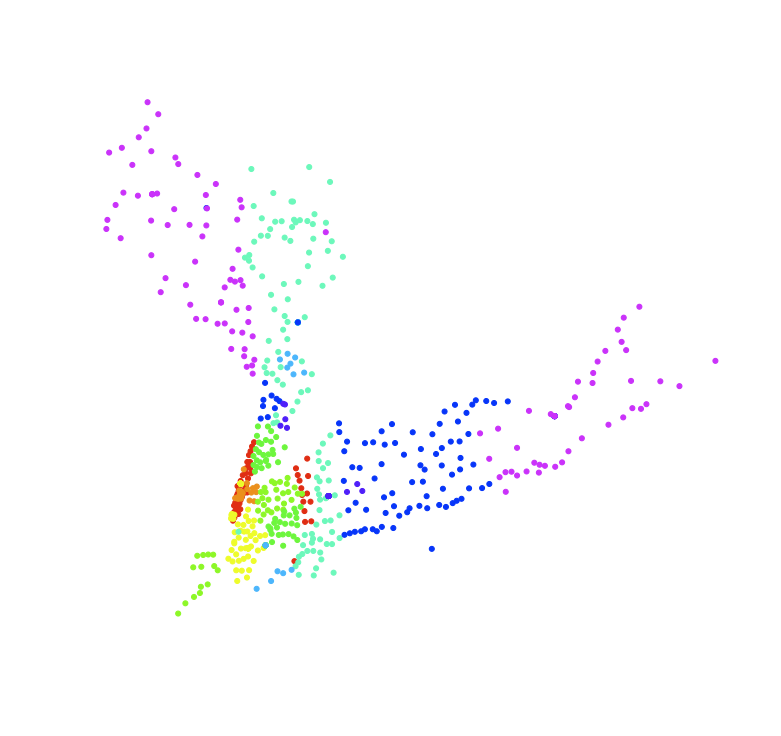
I started fiddling around with R again, and ended up playing with a zipcode database.
So, first I downloaded the zipcode database at Mapping Hacks, and unpacked the zipfile in my working directory.
Then, I loaded the data into R
> zips <- read.table("zipcode.csv",sep=",",quote="\"",header=TRUE)
> names(zips)
[1] "zip"       "city"      "state"     "latitude"  "longitude"
[6] "timezone"  "dst"
So, now I have an R frame containing a lot of US cities, their geographical coordinates, and their zip codes. So we can start playing with the plot command! After rooting around a bit, I ended up settling on the smallest footprint plot dot I could make R produce, by setting the option pch=20 in the plot options. Hence, I ended up with a command basically like this:
> plot(zips$longitude,zips$latitude,type="p",col=((zips$zip/10000)%%10)+1,pch=20,axes=FALSE,xlab="",ylab="",cex=0.1)
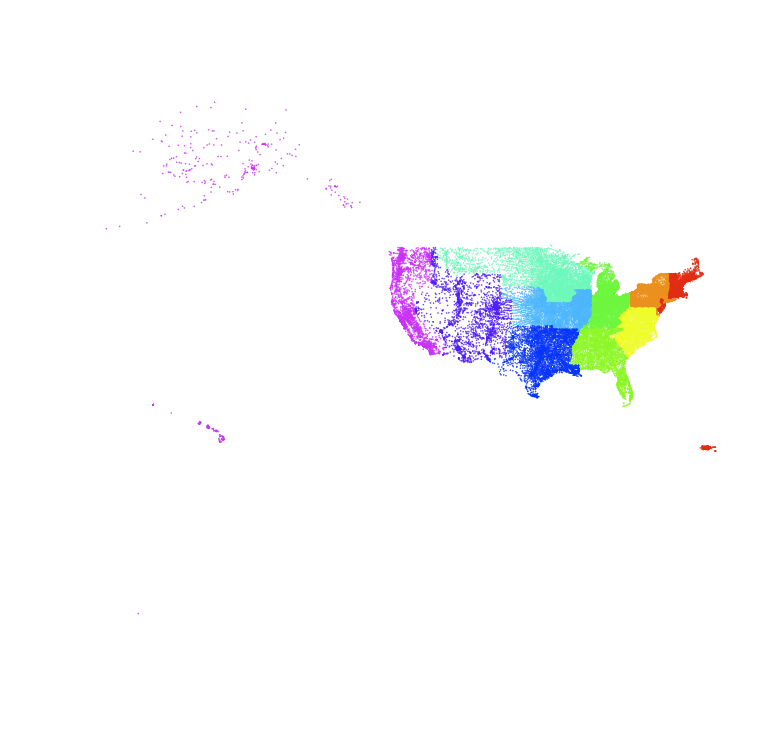
We can continue this, tweaking the divisor to extract all the other digits of the zip code, and we end up getting:
> plot(zips$longitude,zips$latitude,type="p",col=((zips$zip/1000)%%10)+1,pch=20,axes=FALSE,xlab="",ylab="",cex=0.1)

> plot(zips$longitude,zips$latitude,type="p",col=((zips$zip/100)%%10)+1,pch=20,axes=FALSE,xlab="",ylab="",cex=0.1)
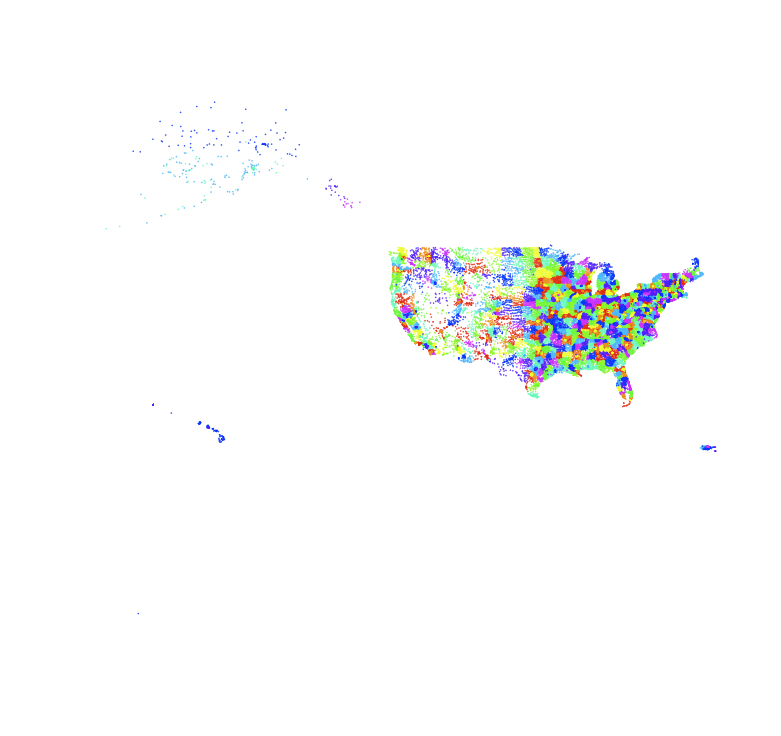
> plot(zips$longitude,zips$latitude,type="p",col=((zips$zip/10)%%10)+1,pch=20,axes=FALSE,xlab="",ylab="",cex=0.1)

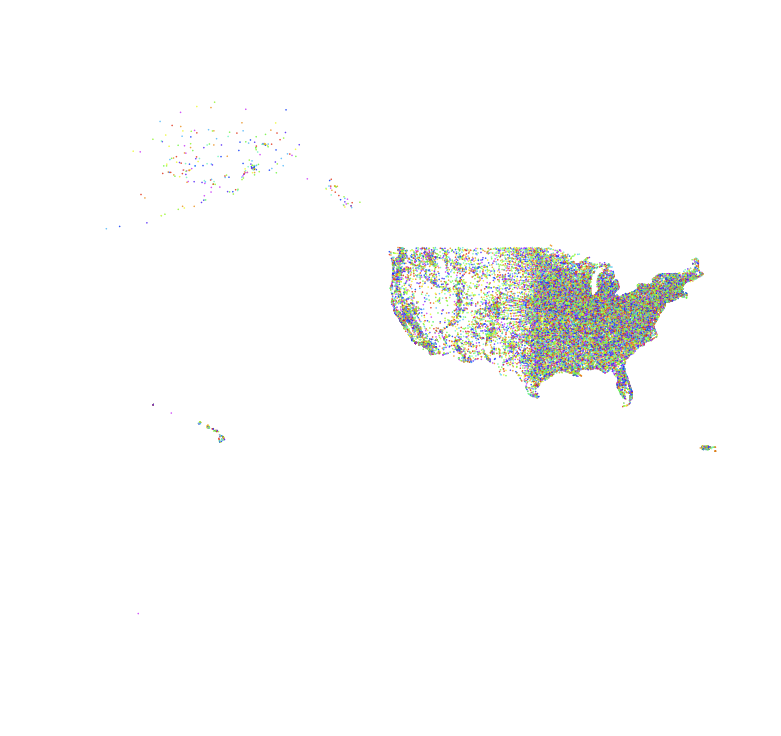
and finally
> plot(zips$longitude,zips$latitude,type="p",col=((zips$zip/1)%%10)+1,pch=20,axes=FALSE,xlab="",ylab="",cex=0.1)
And then, of course, we can zoom in on data too. So we can do things like extracting Californian zip codes
> cazips <- zips[zips$state == "CA",]
> plot(cazips$longitude,cazips$latitude,type="p",col=((cazips$zip/1000)%%10)+1,pch=20,axes=FALSE,xlab="",ylab="",cex=0.5)

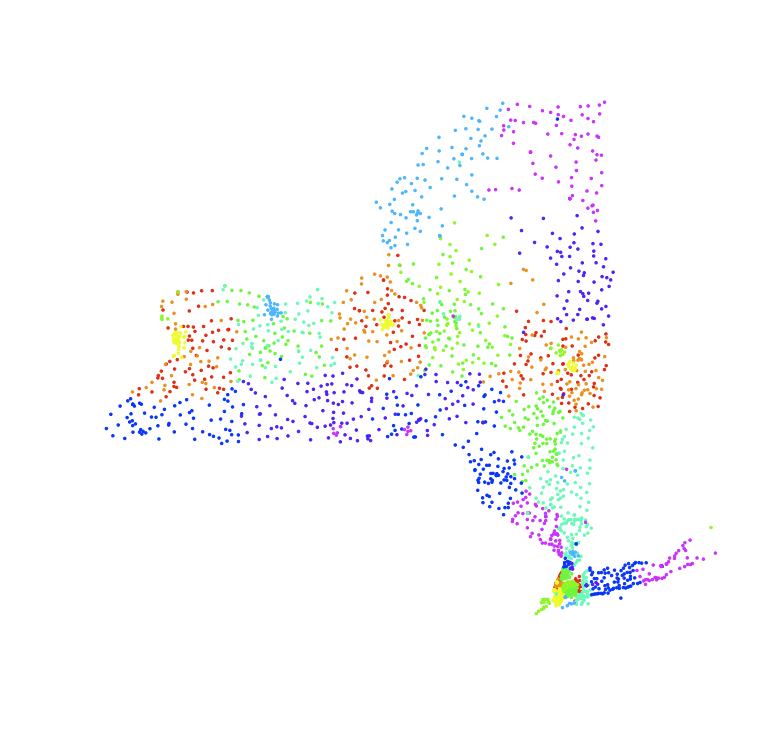
> nyzips <- zips[zips$state == "NY",]
> plot(nyzips$longitude,nyzips$latitude,type="p",col=((nyzips$zip/100)%%10)+1,pch=20,axes=FALSE,xlab="",ylab="",cex=0.5)
> ny10zips <- nyzips[nyzips$zip<12000,]
> ny10zips <- ny10zips[ny10zips$zip>9999,]
> plot(ny10zips$longitude,ny10zips$latitude,type="p",col=((ny10zips$zip/100)%%10)+1,pch=20,axes=FALSE,xlab="",ylab="",cex=1.0)